

TV wall mount with shelves solutions are transforming how homeowners optimize living room space, manage streaming devices, and create sleek media walls. If you’re planning to install a wall-mounted TV with shelving, understanding design options, installation challenges, compatibility, and actionable hacks will help you avoid costly mistakes and achieve a modern, clutter-free setup.
Key Takeaways
- Media walls with TV wall mounts and shelves offer space-saving, modern storage—plan for cable management and device integration up front.
- Premium features like smart home integration and built-in cable management cost up to 30% more but deliver better aesthetics and less clutter.
- DIY modular shelving is possible, but compatibility, stud spacing, and weight limits are critical—always check manufacturer specifications before starting.
- The Core Concept: TV Wall Mount with Shelves
- Step-by-Step Guide: Installing a TV Wall Mount with Shelves
- Advanced Analysis & Common Pitfalls
- Conclusion
- FAQ
The Core Concept: TV Wall Mount with Shelves
Combining a TV wall mount with shelves is one of the best ways to maximize your living room’s storage and visual appeal. This approach lifts your screen off furniture for easy viewing, opens up valuable floor space, and creates room for devices, books, or decor on integrated shelves below or beside the TV. Advanced models now integrate cable management, hidden brackets, and even motorized movement for ultimate flexibility.
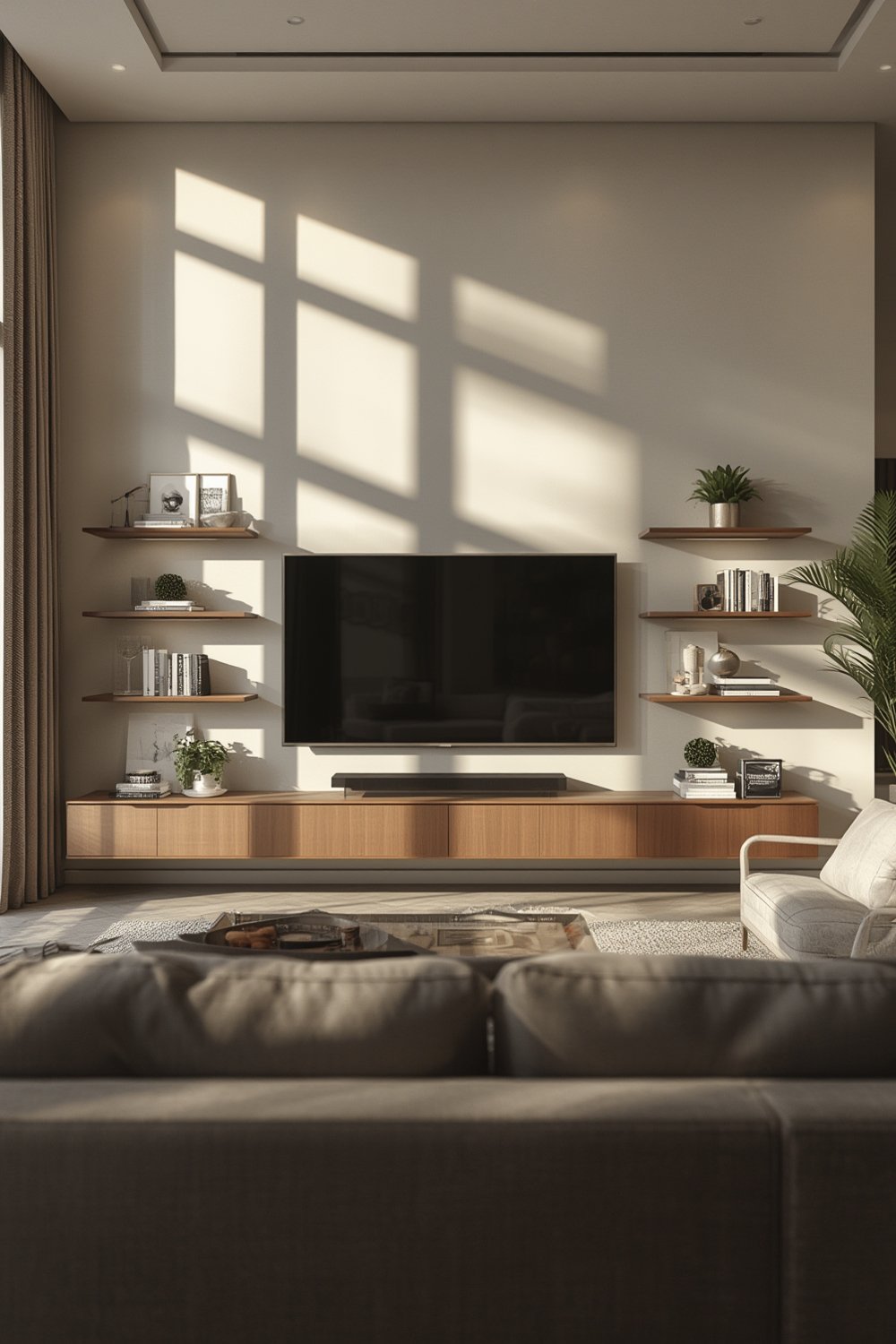
Market data shows TV wall mounts with shelves are trending thanks to their clean look, ability to hide wires, and adaptability in modern apartments. With 12% annual growth in fixed mount demand and 35% of solutions targeting 55-inch or larger TVs, this design is now standard for contemporary media walls (source).
Whether you want a minimal floating shelf setup or a full built-in entertainment center, the key is to consider weight limits, TV size compatibility, cable pathways, and access for streaming devices. If you’re already inspired by flexible storage, see our guide on modular shelving systems for extra ideas.
Step-by-Step Guide: Installing a TV Wall Mount with Shelves
- Choose the Right Wall Mount and Shelves
Decide between fixed, tilt, or full-motion wall mounts. For heavy TVs (over 100 pounds or 55-inches and up), select a heavy-duty bracket. Ensure shelves are rated for electronics and decor weight. For a streamlined look, hidden bracket floating shelves can work well—see our advice on hidden bracket floating shelves. - Plan Your Layout
Map the wall studs with a stud finder and sketch your shelf and TV positions. Consider where cables must go, verifying there’s access to outlets and cable boxes. - Test-Fit Components
Lay TV bracket, shelves, and devices on the floor to finalize spacing and fit, then transfer locations to the wall. - Install Shelves First
Secure shelves using stud-mounted shelf brackets or wall anchors as manufacturer recommends. Use a level and measuring tape throughout. Shelving height should allow for media devices, soundbars, or decorative touches. - Mount the TV Bracket
Attach the wall mount according to manufacturer specs, hitting studs for proper support. For wide or curved TVs, double-check VESA pattern and anchor requirements. - Run Cables and Manage Wires
Use built-in cable management, cord covers, or recessed outlet boxes to conceal wiring. Leave clearance behind shelves for HDMI, power, and network cables. - Attach Devices and Style Shelves
Place your TV, streaming devices, and décor. Consider how to coordinate shelf styling for a “lived-in” look using bookshelf styling tips seen in modern media walls.
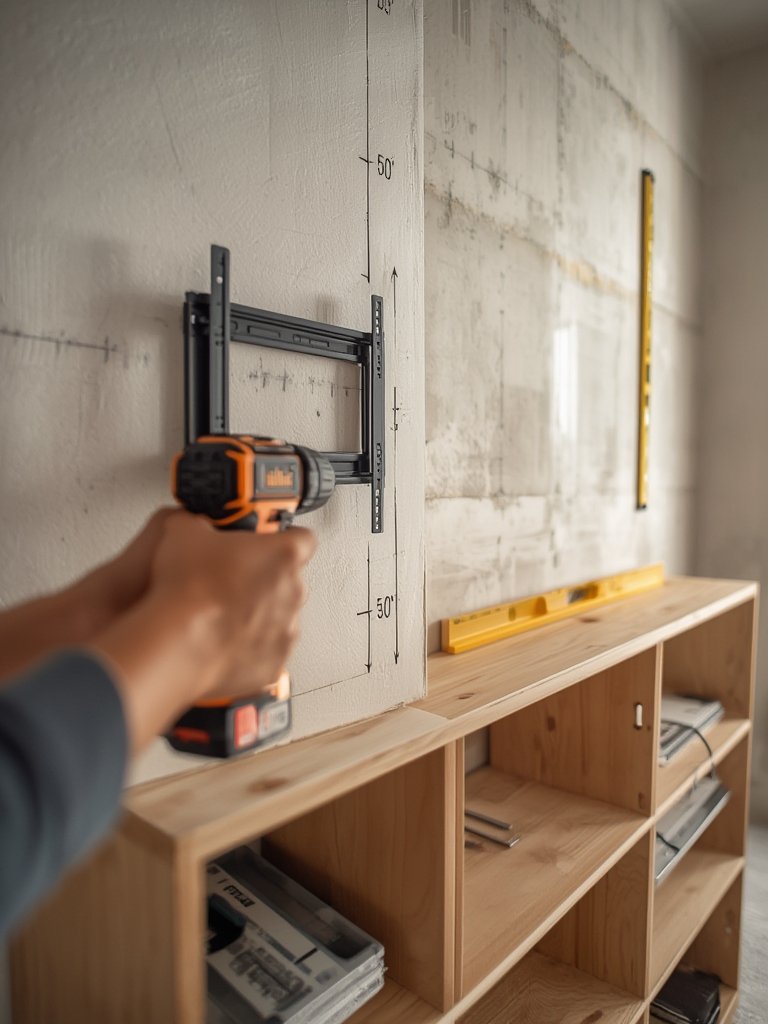
Thinking about maximizing your built-ins for other spaces? Our entertainment center guide breaks down cost ranges and storage strategies for both DIY and professional installations, helping you decide which approach is right for your needs and budget.
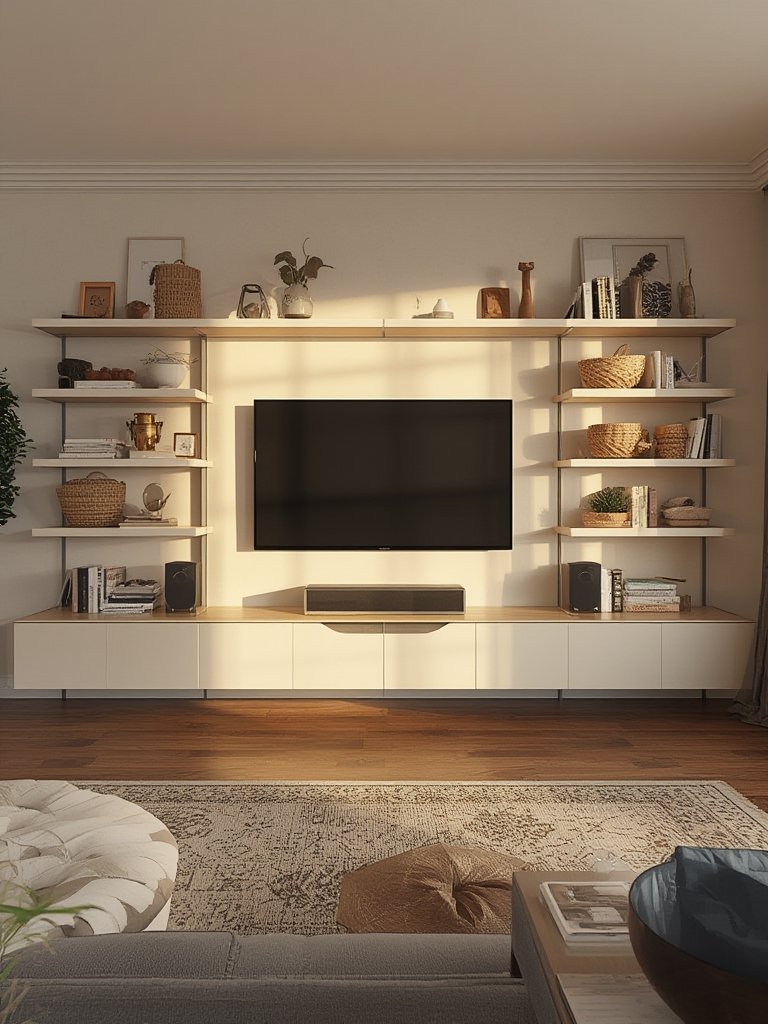
For DIYers, using cabinet-grade plywood and adjustable shelving tracks can help build a scalable storage wall—combine open and closed shelving to balance display and hidden storage much like a pro-built system.
Advanced Analysis & Common Pitfalls
Despite the clean results, wall mounting a TV with shelves has some underestimated hurdles. Based on comprehensive market research and user feedback, here are the main pitfalls to watch for:
- Not Checking Weight Ratings: Many users try hanging TVs or shelves on drywall anchors instead of wall studs—which can cause dangerous collapses, especially for TVs 55 inches and up. Always follow manufacturer guidelines for both TV mounts and shelves.
- Improper Cord Management: Leaving exposed cables undermines the sleek look and creates trip hazards. Premium models include integrated channels, but budget setups often lack this. You may need aftermarket painted cord covers or recessed cable plates.
- Poor Shelf Layout: Putting shelves too close to the TV can block ports or crowd soundbars. Likewise, placing gaming consoles in closed spaces without airflow can cause devices to overheat.
- Device Integration Problems: Concealing streaming boxes, gaming consoles, or soundbars cleanly is challenging. Consider combining open shelving for decor with concealed cabinets for devices—see our advice on concealed storage cabinets for inspiration.
- Messy Upgrades: If you upgrade to a larger TV later, your old mount and shelf spacing might not fit, requiring wall patching or a new layout. Planning for future upscaling (modular design) helps avoid this.
| Problem | DIY Solution | Premium Feature/Pro Solution |
|---|---|---|
| Limited Cord Management | Use cable sleeves or adhesive cord covers | Integrated cable channels or in-wall power kits |
| Device Overheating | Leave open shelf space around hardware | Ventilated cabinets and dedicated airflow slots |
| Shelf Sag/Collapse | Anchor directly to studs and check load rating | Professional mounting services |
| Upgrading TV or Devices | Use modular shelf tracks for adjustable spacing | Customizable, modular wall systems |
If you’re considering built-in storage throughout your home, explore our comprehensive ideas for entryway benches with storage or maximizing dead space using under stair built-in shelving.
Conclusion
TV wall mount with shelves designs will continue evolving as living spaces shrink and screen sizes grow. The key is thoughtful planning—choose hardware rated for your TV and storage needs, integrate smart cord management, and build modularity into your wall so it flexes with future upgrades. Investing up front means less rework and more enjoyment later.
Ready to start your own TV wall mount with shelves project? Download product manuals and installation guides, browse floating shelves ideas for living rooms, and consult a professional installer if your TV is over 55 inches or your wall is nonstandard.
FAQ
Can floating shelves hold a TV?
No, floating shelves should not support the weight of a TV. Use a wall mount engineered for your TV’s size and weight. Floating shelves are for devices, soundbars, or decor only.
How do I choose the right wall mount for my TV?
Check your TV’s VESA pattern (bolt hole spacing), weight, and screen size. Match these to the wall mount’s specifications, and make sure the bracket attaches into wall studs for security.
What is the best way to hide cables on a media wall?
Integrated cable management (built into premium mounts) hides wires best. For retrofits, use painted cord covers, cable sleeves, or consider installing a recessed cable plate behind the TV and shelves.
Can I combine open shelves and cabinets for a hybrid media wall?
Yes—mixing open shelving for decor with closed cabinets for device or game storage offers both style and function. Modular shelving units let you adjust as your needs change.
Do I need a professional installer?
For heavy TVs (over 55 inches), irregular walls, or if running in-wall cables, a professional ensures safety and the cleanest result. For lighter setups, experienced DIYers can follow manufacturer instructions and use proper wall anchors.