

### Blog Post:
Built-in home office storage is reshaping how we approach productivity and space optimization at home. With demand for effective workspaces at an all-time high, smart built-ins offer organization and aesthetic appeal, but also come with unique planning and installation challenges.
Key Takeaways
- The built-in home office storage segment is growing globally, especially in the US, with modular and tech-integrated solutions surging in popularity.
- Successful installations hinge on planning for power, cable management, and realistic space needs—overlooking these can cause daily frustration.
- Cost, durability, and customizability are essential factors; careful decisions now prevent future headaches and wasted investment.
- The Core Concept: What Makes Built-In Home Office Storage So Compelling?
- Step-by-Step Guide: Planning & Installing Built-In Home Office Storage
- Advanced Analysis & Common Pitfalls
- Conclusion
- FAQ
The Core Concept: What Makes Built-In Home Office Storage So Compelling?
Built-in home office storage is more than just shelving. It’s an integrated solution designed to meet your workflow, storage needs, and room constraints. As remote and hybrid work becomes the norm, the global home office furniture market is projected to reach $40.11 billion in 2026, with a strong 8.8% CAGR. In the US alone, the market is expected to hit $6.94 billion, largely due to innovations like modular storage towers, credenzas, and desks with built-in charging ports or cable routing.
Unlike freestanding desks and cabinets, built-ins maximize every inch, tailor to awkward alcoves, and streamline visual clutter. They also boost home value and help you create a professional, distraction-free zone. However, the initial investment and installation complexity require planning—especially when integrating lights, power, or data cabling with your design.
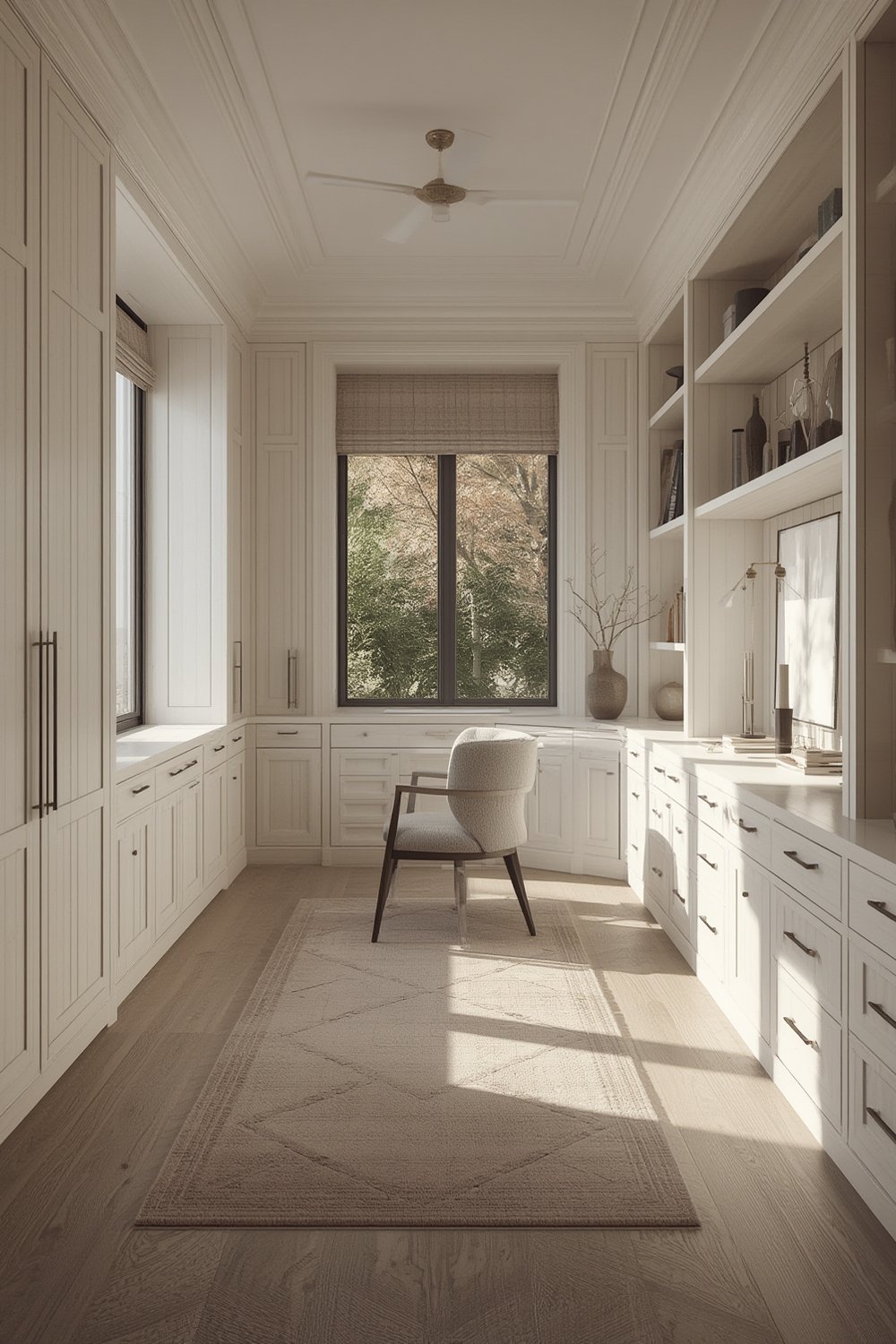
Step-by-Step Guide: Planning & Installing Built-In Home Office Storage
To get built-in home office storage right, follow these actionable steps:
-
Analyze Your Space: Measure your room, alcove, or wall. Don’t forget ceiling height, window placements, outlets, HVAC vents, and doors. Use painter’s tape or cardboard templates to envision size and reach zones for shelves and desk height.
If you’re interested in adapting these strategies for other tricky spots, explore clever under stair storage built-in ideas for small-home inspiration. -
Define Your Workflow Needs: List everything you use: dual monitors, printers, books, files, chargers, and personal items. This will inform shelf size, drawer depth, and how much desktop space you truly need.
Want help zoning your work area like a pro? See tips from best closet organizer systems to learn about modular layouts that adapt to changing needs. - Plan Power & Cable Management Early: Map out device locations and plan for enough outlets, USB charging, and network jacks. Integrated grommets or hidden cable channels are a must for keeping surfaces clear.
-
Choose Built-In Styles & Materials: Decide on cabinetry, open shelves, drawers, or a mix. Pick finishes that coordinate with your décor—painted MDF for crisp modern looks, plywood or hardwood veneer for warmth, or try modular shelving for flexibility.
For more on modular storage, review this expert modular shelving system guide. -
Budget for Quality Hardware: Invest in soft-close hinges, sturdy drawer slides, and adjustable shelf brackets. These details reduce future headaches and boost storage lifespan.
Working with a contractor? Don’t forget to request details on material warranties and eco-friendly options. - Professional Design or DIY?: Custom carpentry increases cost but guarantees a tailored fit. Quality flat-pack solutions can work if standard sizes match your room. Always factor delivery and lead times.
- Install with Care: Follow manufacturer specs for wall anchoring, use a stud finder, and double-check levelness. Attach safety straps for tall units, especially if you have children or pets.
- Style & Personalize: Accessorize your built-in office storage with containers, drawer dividers, and décor. For inspiration on shelf styling, check out curated bookshelf ideas that merge function and personality.
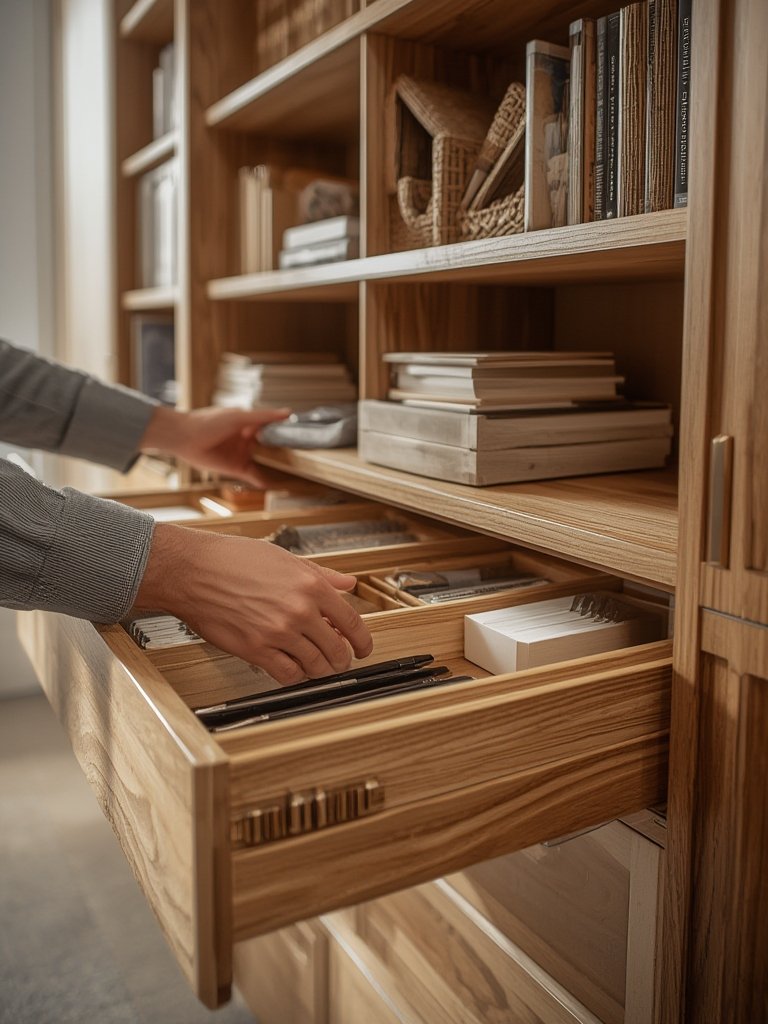
Advanced Analysis & Common Pitfalls
While a built-in home office is valuable, it’s not always smooth sailing. Here’s what often goes wrong (and how to sidestep frustration):
- Underestimating Cable Management: Without a clear plan for routing cables and powering multiple devices, you can end up with tangled cords, visible wires, or insufficient outlets—undermining the streamlined look you want. Prioritize grommets, wire trays, and accessible outlets from the start.
- Ignoring Ergonomics: Desk too high or too low? Shelves out of reach? Built-ins are permanent, so measurements need to match your body and workflow. Aim for a desk height of 28–30 inches and shelf heights you can access comfortably.
- Poor Storage Allocation: Over-stuffing or failing to plan drawer depths and shelf spacing leads to wasted space or clutter. Use adjustable systems when possible.
- Material or Build Quality Shortcuts: Skimping on hardware or material thickness can cause sagging shelves, sticky drawers, or rapid wear and tear.
- Forgetting to Future-Proof: Don’t design for today’s devices only. Leave space for future tech upgrades or additional monitors/printers.
- Budget Creep: The cost of custom built-ins can spiral due to specialty features, material upgrades, or installation issues. Always request a written quote.
| Built-In Storage Benefit | Potential Pitfall | Actionable Solution |
|---|---|---|
| Full integration with room layout | Blocked outlets/vents; fixed dimensions can create dead zones | Map out power, HVAC, and door swings before design. Allow for ventilation gaps. |
| Hidden cables and tech storage | Insufficient access for new cords or upgrades | Use removable panels and oversized grommets where possible. |
| Maximized organization | Not enough drawers for small items, limiting flexibility | Add adjustable shelves and consider separate drawer units. |
It’s also worth reading about multi-purpose options for smaller rooms—like a window seat with storage or alcove bookcase—to see how different built-in approaches resolve space bottlenecks. For even deeper organization, explore how to avoid common errors when planning with mudroom built-ins to learn from other built-in zones in the home.
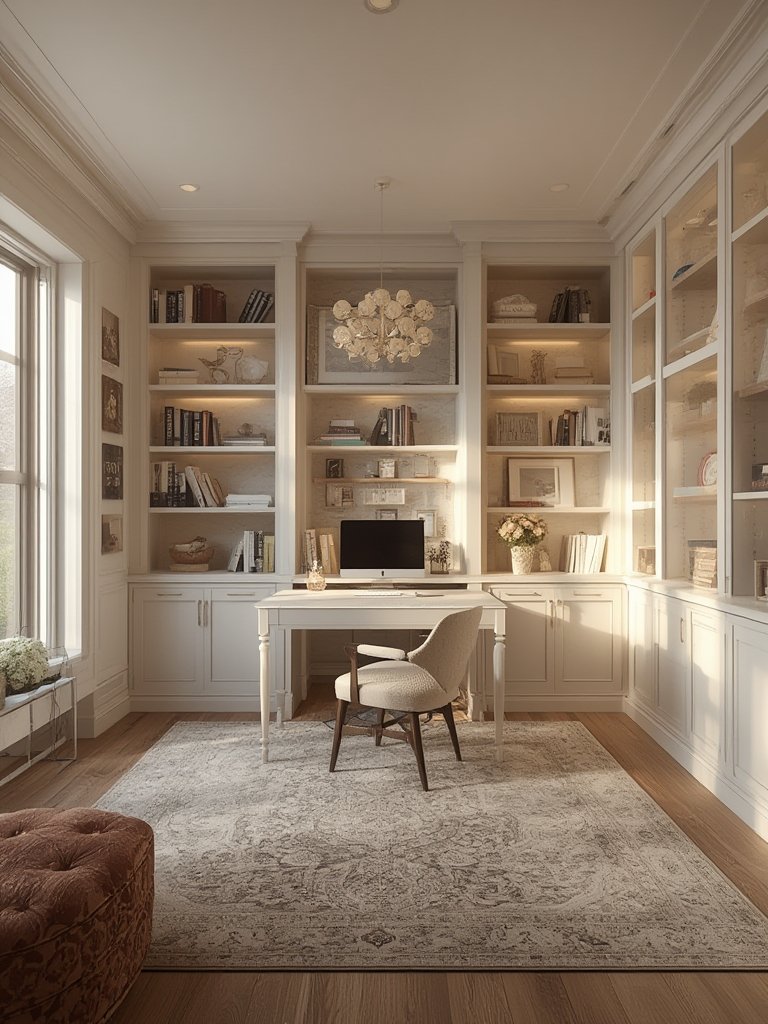
Conclusion
The right built-in home office storage transforms how you work and live. As the market surges and office needs become more complex, smart planning is essential to truly benefit from these custom solutions. Beyond choosing materials and finishes, focus on workflow, cable management, and long-term adaptability. Don’t rush the process—get a detailed plan and estimate so you avoid regrets later.
Ready to design a better workspace? Start planning your built-in home office storage today and turn your work-from-home reality into a streamlined, inspiring zone.
FAQ
What are the biggest advantages of built-in home office storage over store-bought furniture?
Built-ins are tailored to your space, maximizing storage and minimizing visual clutter. They’re anchored and custom-fitted, which boosts both efficiency and your home’s resale value. Off-the-shelf furniture rarely fits awkward alcoves or utilizes ceiling height as effectively.
How do I plan for enough power and cable routing?
List all electronic devices you use and map their likely positions. Plan for more outlets than you think you need, use desktop grommets, and if possible, pre-wire USB-C and data ports before installation. Conceal wiring in raceways or routed behind panels.
What’s the typical cost for a built-in home office wall unit?
Costs vary widely based on materials, size, and extras like power integration. Custom wall units often start around $2,500–$7,500 but can exceed $10,000 for high-end finishes and features. Modular “semi-custom” kits are more affordable but require careful measuring to fit precisely.
How can I make built-in shelving work in a small space like an alcove?
Opt for vertical storage, use adjustable shelves, and consider integrated desktop spaces or a fold-down desk feature. Removable baskets and concealed storage help minimize visual clutter. For more ideas, browse built-in bookcase solutions that maximize every inch.
Are there eco-friendly or durable material options for built-in home office cabinets?
Yes. Look for FSC-certified plywood, low-VOC finishes, and recycled-content boards. Solid wood is highly durable but comes at a higher price. Regardless of material, always ask your supplier about warranties and off-gassing certifications for healthy indoor air.