

### Blog Post:
Built-in entertainment center projects have rapidly become a top choice for homeowners seeking a custom look and better storage—yet they come at a significant cost and bring unique challenges you need to know before you start.
Key Takeaways
- Built-in entertainment center costs range dramatically—from $1,000 for basic DIY setups to $20,000+ for premium, custom designs. Most buyers pay $3,380–$5,560 for a professionally installed oak unit.
- Material and labor choices drive costs, but careful planning and clear design goals prevent costly mistakes and regrets.
- Advanced features like LED lighting, soft-close doors, and cable management set premium units apart, but not every home needs them.
- What Is a Built-In Entertainment Center (And Why Consider One)?
- How to Plan and Build a Built-In Entertainment Center: Step-by-Step
- Advanced Analysis & Common Pitfalls
- Conclusion
- FAQ
What Is a Built-In Entertainment Center (And Why Consider One)?
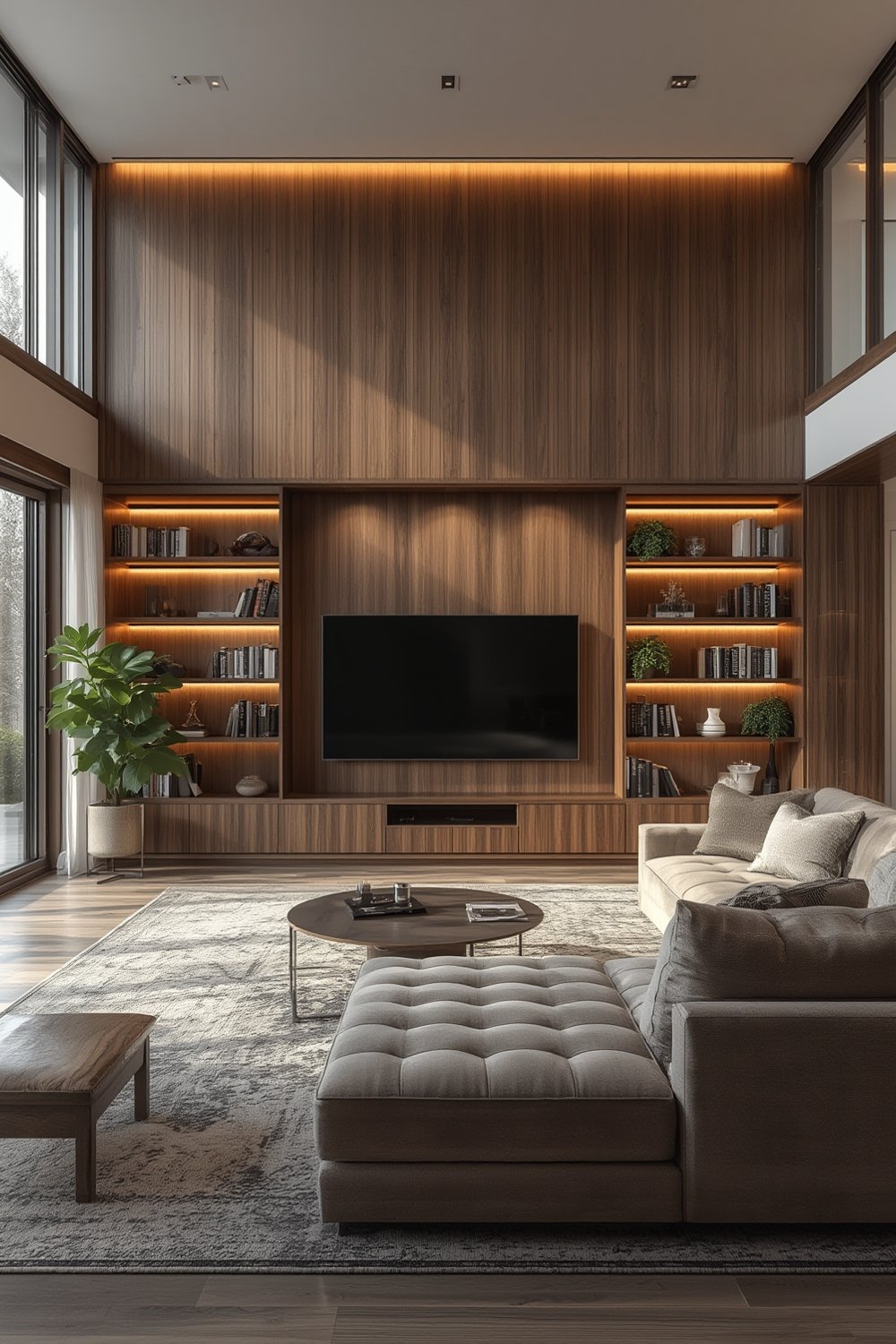
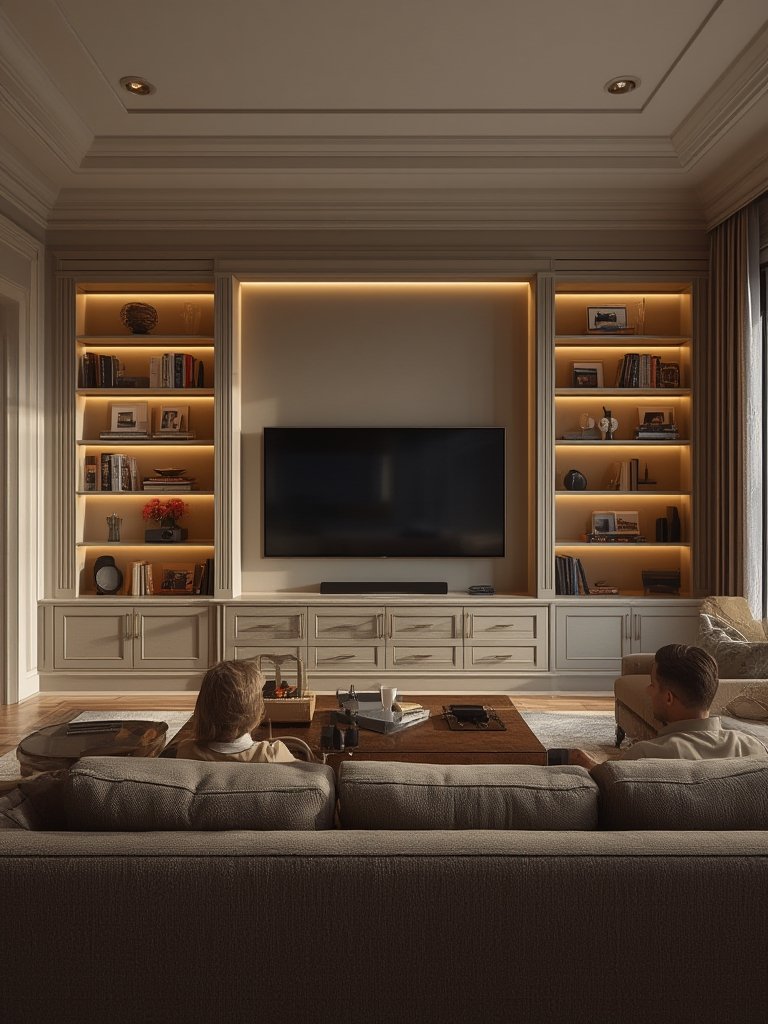
A built-in entertainment center is a custom-installed storage and display wall meant to house your TV, media devices, cables, and collectibles—all within an integrated, seamless structure that matches your home’s design. These units are permanently affixed to the wall, often spanning floor-to-ceiling, and can be tailored with open shelving, hidden storage, cabinetry, and room for sound systems, art, or even a fireplace.
Why go built-in? Typical media consoles offer flexibility, but built-ins maximize storage, hide clutter, and add a high-end touch that can improve both your daily routine and your home’s value. In many homes, clever built-in designs make tight spaces functional, transform boring living rooms, or help you take electronics off the floor for a minimalist, stress-free look.
How to Plan and Build a Built-In Entertainment Center: Step-by-Step
Before you pick up a drill or call a carpenter, follow these clear steps for a smoother, less stressful project.
- Define Space and Needs: Measure the exact wall area available. Consider the biggest TV you might want in the next 5 years. List devices—soundbars, consoles, speakers, routers, vinyl turntables, and anything else you need to hide or display. Take stock of nearby outlets and vents.
- Set a Realistic Budget: Expect to pay $3,000–$7,000 for midrange custom work, or $1,000–$3,000 for DIY or basic open shelving in MDF or plywood. High-end jobs start at $7,000+. Add $200–$800 if new outlets or wiring reroutes are needed. Get a handle on average costs here.
- Choose Materials Wisely: Oak and walnut are premium (and pricey), while plywood/MDF offer savings. For a modern look, consider sintered stone tops. If you want soft-close doors, specialty hardware, or LED lighting, price those early. Review current material trends and costs here.
- Design for Real Life: Sketch your storage layout—open shelves for books, closed cabinets for clutter, cubbies for gaming gear. Plan access points for cable management. If you’re tight on space, explore double-duty designs (e.g., a base with deep drawers). For style ideas, see how to style built-in shelves or make built-ins work in small or odd-shaped rooms.
- Plan the Build: For DIY builds, create detailed cut lists and diagrams. Check for studs, outlets, and HVAC lines before moving forward. For custom work, request itemized quotes and review design drawings before you sign off.
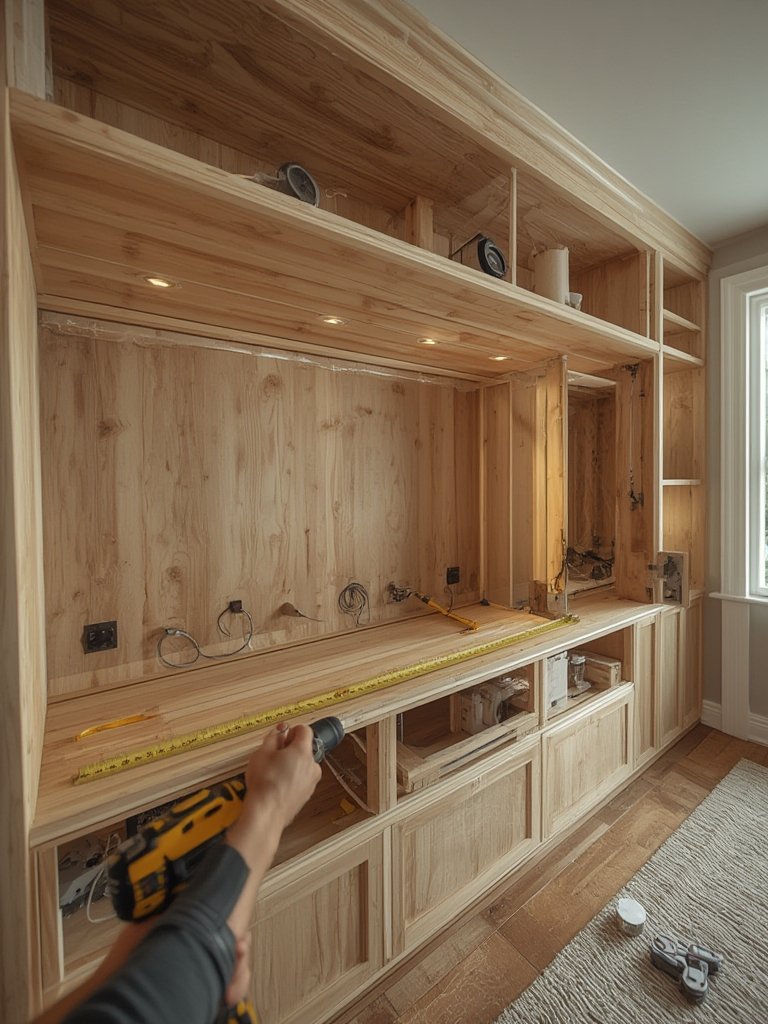
- Installation Prep: Clear the room, lay drop cloths, and remove baseboards and outlet covers. If doing electrical work, shut off power and consider hiring a pro for safety—and permits, which can run $50–$400. Reference permit needs and installation tips.
- Assembly & Mounting: Assemble base units, fasten them into studs, then add upper shelves, infill panels, and trim. Use pocket screws, confirm level at every step, and test door swings. For floating shelves or heavy wall niches, review these hidden shelf bracket install tips for extra weight support.
- Finishing Touches: Caulk gaps, touch up paint, install hardware or lighting, and test all doors/drawers. Hide or organize all cables so nothing catches the eye. For inspiration on adding concealed storage, consult hidden and push-open cabinet ideas.
Advanced Analysis & Common Pitfalls
No project is perfect. Skipping careful planning or going too cheap with materials can create ongoing headaches. Here’s what you need to watch for:
- Budget Surprises: Hidden costs often include labor overruns (if the wall is out of square or wiring must be rerouted) and pricey hardware upgrades you didn’t consider. Material waste from mistakes or changes midway can also add up fast.
- Poor Wiring and Ventilation: Without proper cable management, your shelves will look messy, and overheating gear can become a fire hazard. High-end TV and audio systems need access to outlets, hidden wiring, and possibly wall reinforcement for heavy loads. Always plan for future expansion—retrofitting is tough.
- Living Room Cramps: Oversized built-ins can shrink smaller rooms or block pathways. Carefully balance display space with walkway width—don’t max out storage at the cost of comfort.
- Style Regret: Trendy finishes or overly bold designs could look dated in a few years. If resale value matters, opt for classic woods and soft-close features instead of niche colors or wild hardware.
- Permitting and Structural Issues: Any electrical, structural, or major drywall work may require permits—skipping them risks problems during resale or insurance claims.
| Option | Typical Cost | Best For |
|---|---|---|
| DIY (MDF/Plywood) | $500–$1,000 | Budget, skilled DIYers, small spaces |
| Basic Pro Install | $1,800–$4,000 | Standard needs, no advanced features |
| Custom Mid-Range | $3,000–$7,000 | Customized layout, premium finishes |
| High-End Custom | $7,000–$20,000+ | Luxury homes, integrated lighting, automation |
If you want extra hidden storage for board games, remotes, or even barware, pairing your entertainment center with a window seat with storage or adding offside built-in cabinets can increase both function and resale value.
Finally, if you’re looking to truly maximize every bit of vertical and horizontal space, it’s worth considering a modular shelf wall system for areas adjacent to your media wall.
Conclusion
A built-in entertainment center can completely reshape how you use and enjoy your living space—hiding mess, unifying your decor, and even adding value to your home. But it comes with real investment and the risk of cost overruns or style regrets.
Think critically about what you need, what you can afford, and what will still look good years from now. If you want more storage ideas for tight spaces beyond just a built-in entertainment center, browse our guides on closet organizer systems and smart built-in mudroom layouts.
Ready to start planning your built-in entertainment center? Map your budget first, think about future upgrades, and get quotes from reputable pros before you build.
FAQ
How much does a built-in entertainment center cost?
Costs range from $1,000–$3,000 for basic MDF or plywood DIY versions, and $3,380–$5,560 for most professionally installed oak units. High-end custom work can run $7,000–$20,000 or more depending on size and features. See official cost breakdowns here.
Are built-in entertainment centers worth it?
They offer custom storage, better aesthetics, and can boost home value. But they’re permanent and more expensive than basic media stands, so plan long-term and design for flexibility.
Can I build a built-in entertainment center myself?
If you have strong carpentry skills, basic DIY units can cost as little as $500–$1,000. Complex units with electrical work or heavy built-ins usually require professional help and may need permits.
What materials are best for built-in entertainment centers?
For aesthetics and durability, oak and walnut are top choices, while MDF or plywood are cost-effective. High-end builds feature soft-close doors, integrated LED lighting, and sintered stone shelves.
Do I need a permit to install a built-in entertainment center?
If your installation involves moving electrical outlets, major demolition, or structural changes, a permit (typically $50–$400) may be required. Always check local codes before starting.